
Introduction
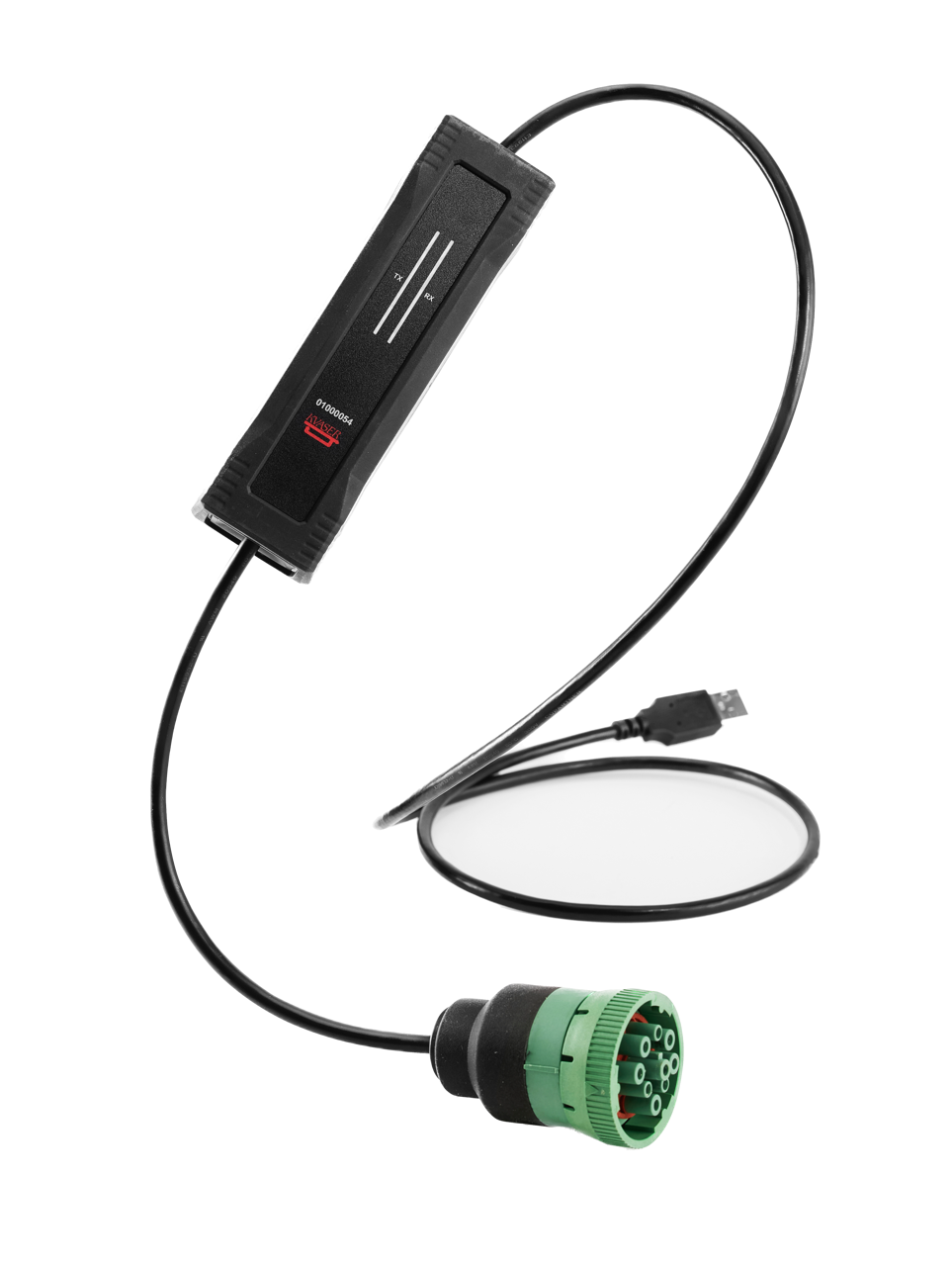
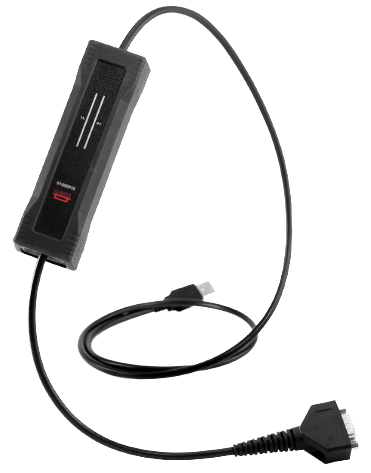
You might be tempted to buy the CAN hardware interface that comes with the green 9-Pin Deutsch connector ready to plug in to a J1939 OBD port. I suggest you avoid purchasing that version and instead purchase the DB9 (old-school serial connector) version, especially if you plan to experiment with other types of vehicle and non-vehicle networks.
You might want to interface a CAN bus other than J1939
If you buy the J1939 version, you are limited to only pins C & D of the round, green Deutsch connector. At some point, you might want or need to sniff a Ford CAN bus or your own car's networks just for fun. Getting the DB9 version makes it easy to create a variety of adapters to give you way more flexibility. Most heavy duty trucks with a J1939 OBD port have a 2nd network on pins F & G and J & H. In order to explore these networks, you'll need to make adapters anyway.
The DB9 version is more common (and cheaper)
The J1939 specific versions have been less available and may even cost a bit more. Not a huge deal, but it does tip the scales in favor of the DB9 version.
Make a Deutsch adapter
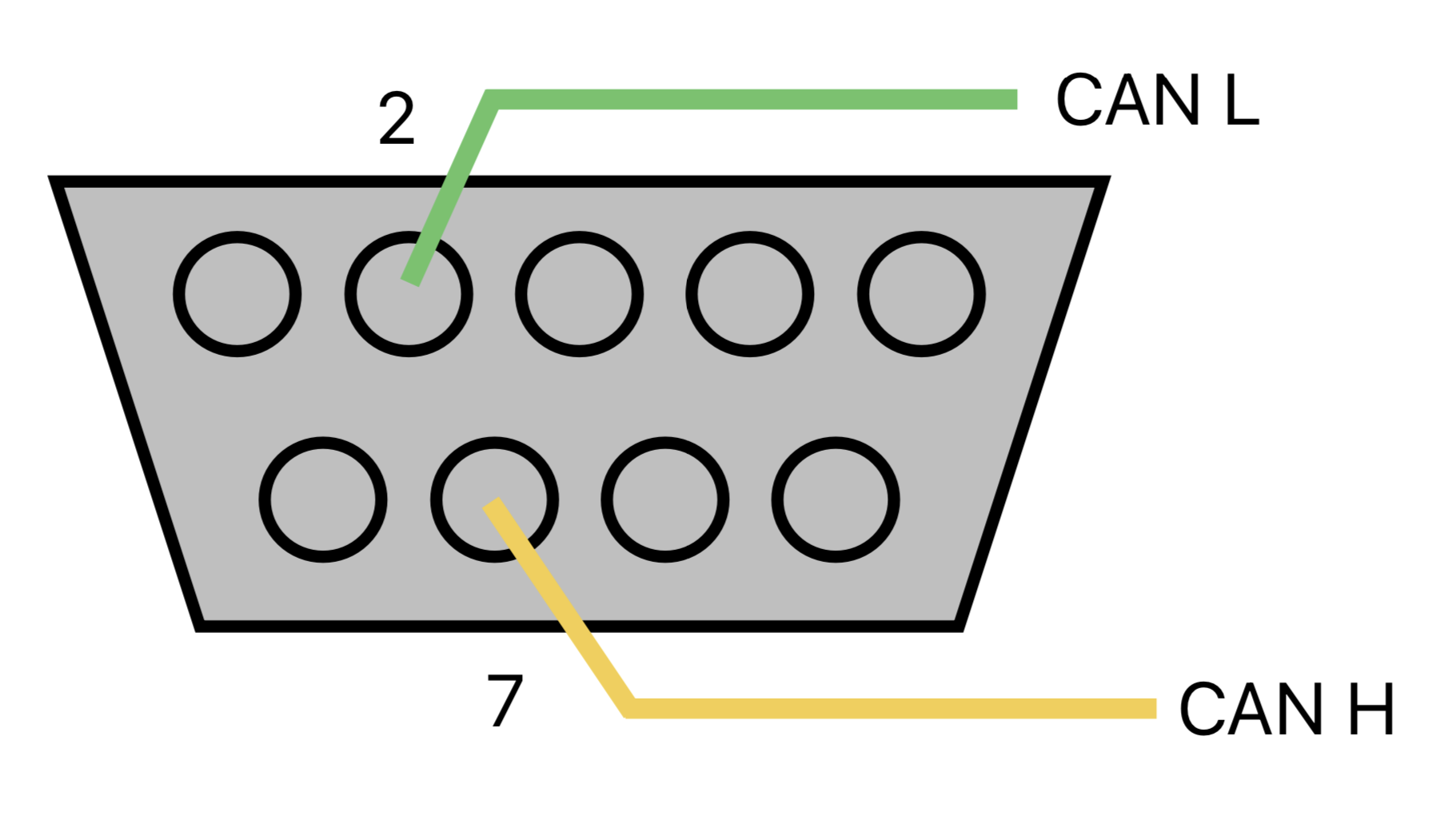
Grab a Deutsch 2-pin connector kit and wire a DB9 interface to a 2-pin Deutsch connector. Now you can build a bunch of plug-and-play adapters that allow you to improvise connections in the field. Here is a reference for the DB9 CAN wiring convention.
My Adapter Collection
I always carry this collection of adapters with me when I am exploring a new vehicle so that I sniff bus traffic without cutting or interrupting the connection to the vehicle controller.
DB9 to 2-Pin Deutsch
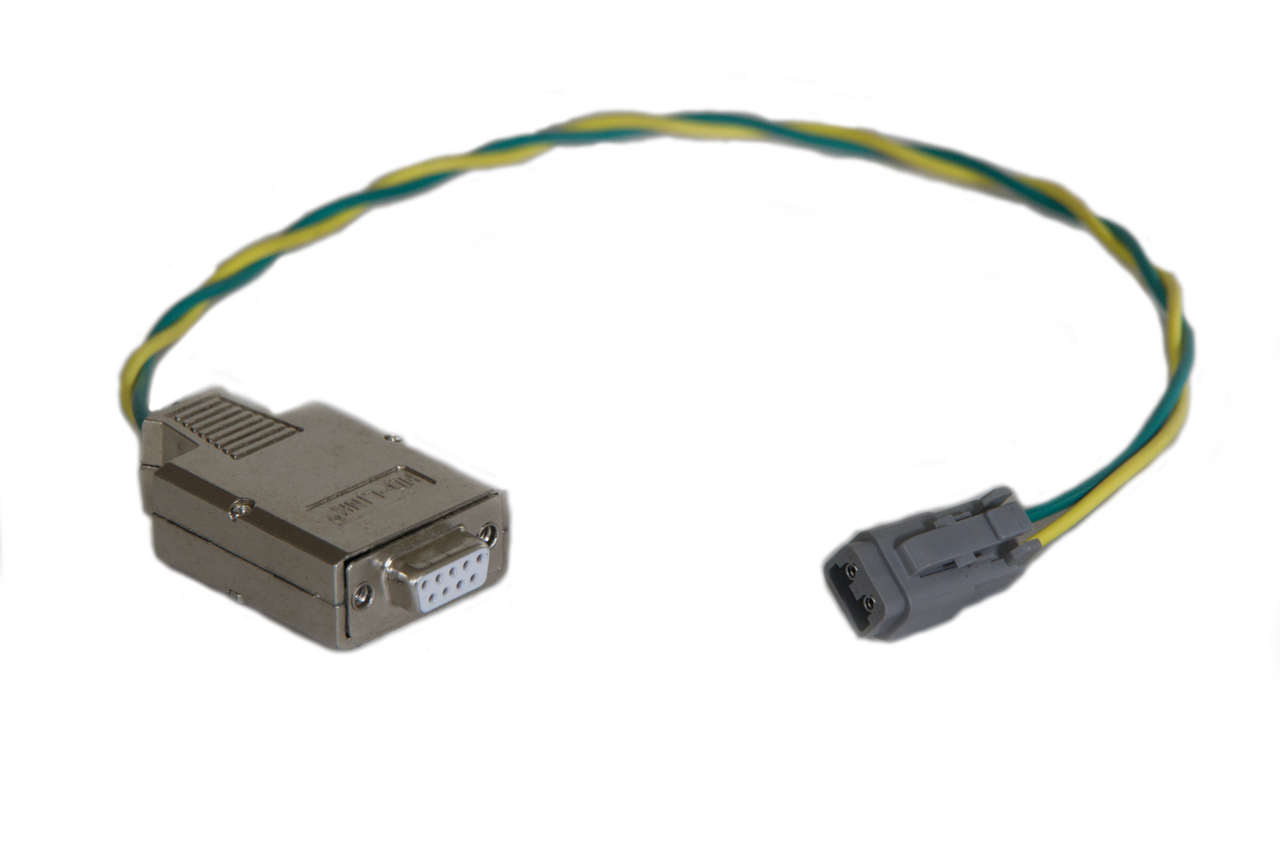
This is the base adapter and is used to make quick connections to all the other adapters via a 2-pin Deutsch connector. You don't have to use Deutsch, but I prefer Deutsch because they are easy to work with and easy to find.
J1939 OBD Vehicle Adapter
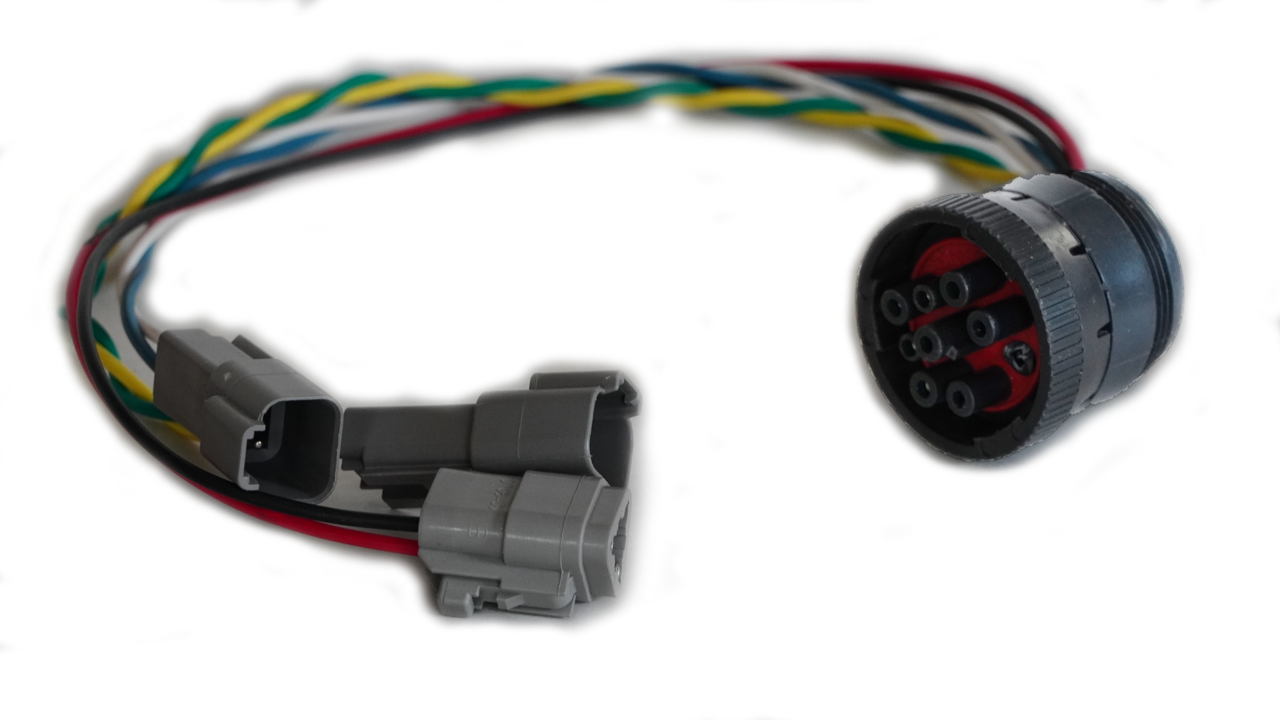
This is what I use to connect to trucks via the J1939 OBD port. Notice I have two network connections, since sometimes I need to read CAN messages on the secondary network. I also have a PWR and GND tap in case I need to power a small CAN circuit board that I am testing. You can buy a green J1939 connector here. I just used an old J1939 connector and removed the housing for pin F. In 2016, the color and keying were changed as part of an update to the J1939 standard. The baud rate was increased from 250k to 500k and the connector changed so that an older, incompatible service tool could not be plugged in to a green OBD port by mistake. The new green connector will fit into both the black and green OBD ports. You can read more about this here.
Back-Probing Kit
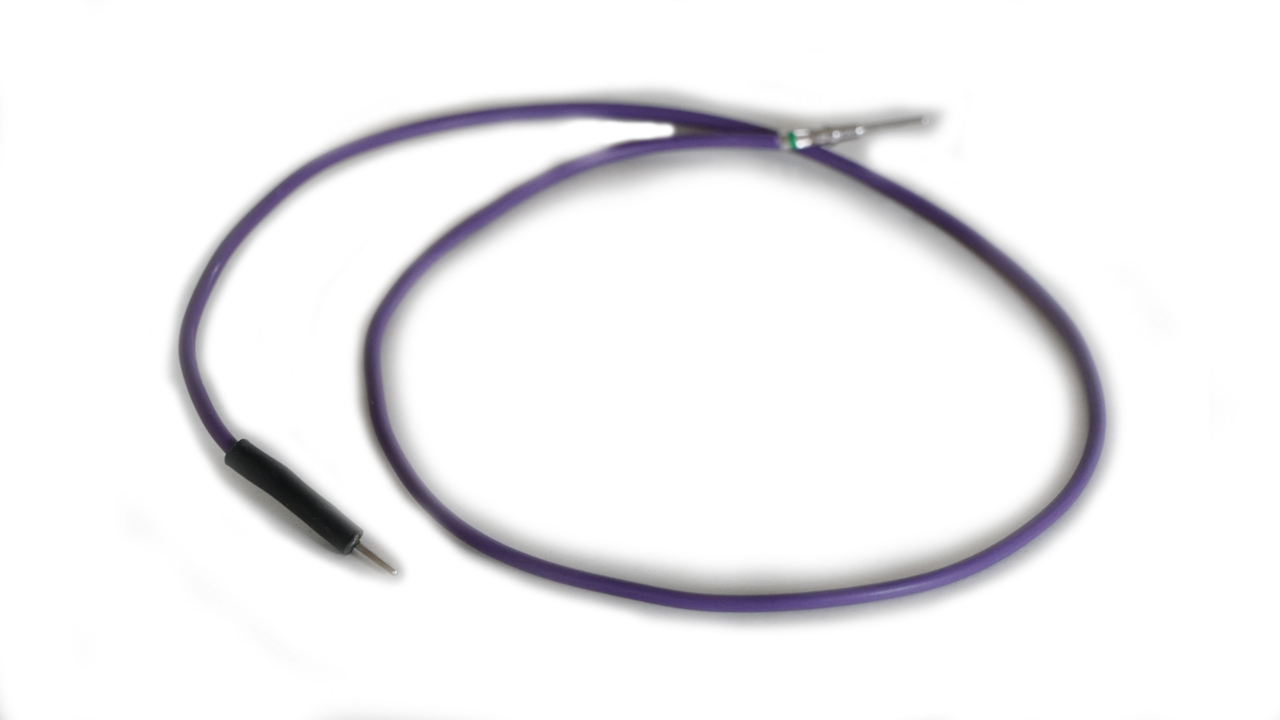
This is useful when working inside the vehicle with unsealed connectors. It is relatively easy to slide a pin into the terminal cavity from the wire entry side of the connector without damaging the OEM wire.
Piercing Alligator Clips
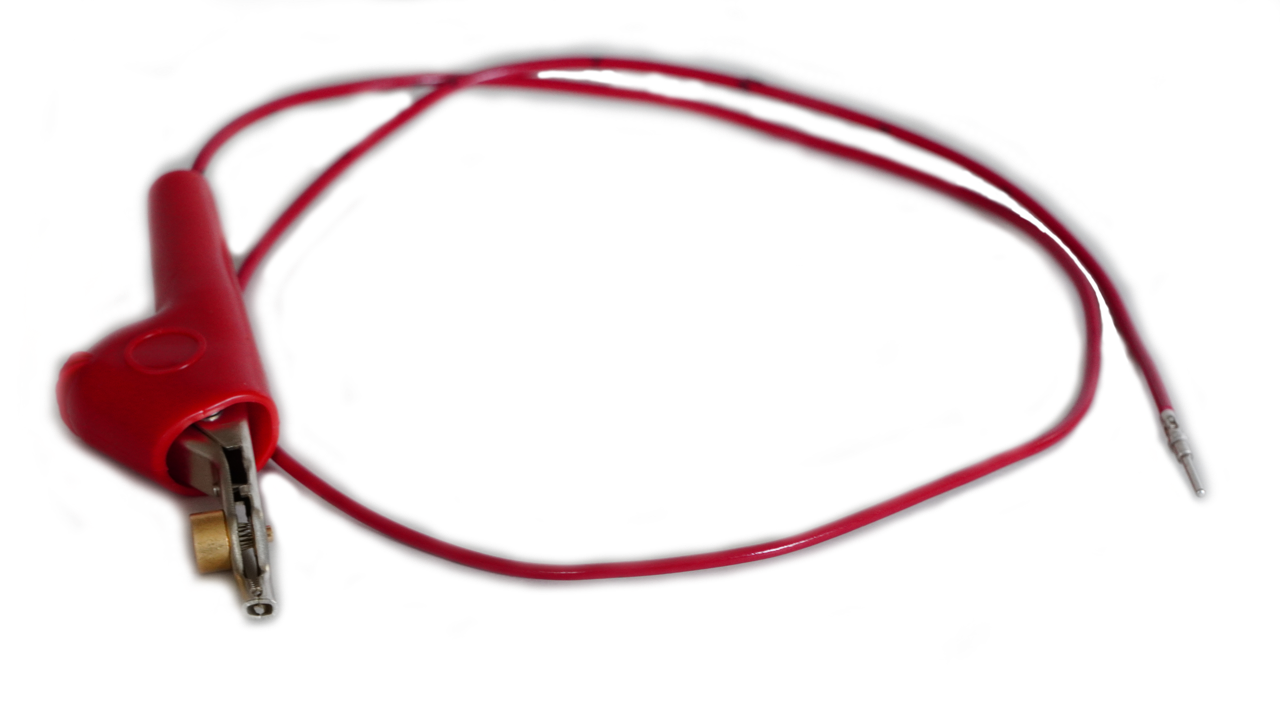
I really try NOT to use these, but there may be a situation where you cannot back-probe or disconnect a connector so this is really the only option. I would only use these in dry environments where compromising the wire insulation will not have consequences. If you do decide to use these, make sure you place them a few centimeters apart on the wires so they do not touch. If they touch, they can short out the CAN bus and wipe out all communication on the network.
Contactless CAN Reader
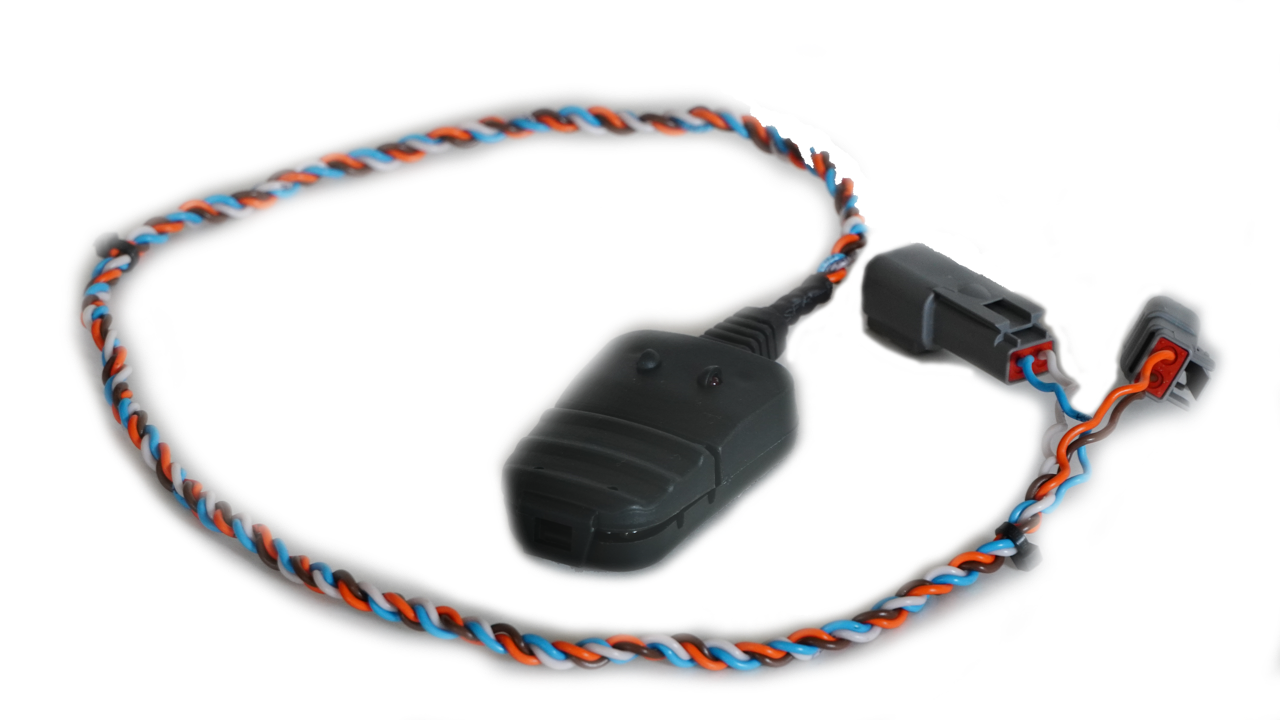
If you only need to read CAN messages and don't want to pierce or cut wires, a contactless CAN reader might be a good option for you. The contactless CAN reader has a plastic latch that can clip over the CAN H and CAN L wires without disconnecting or damaging them. It is able to pick up the electrical field disturbances made by the wires and convert them to CAN data. You still need a CAN Tool and software to read the messages, and you will also need to provide power to the contactless reader to power its onboard circuitry. It is also not the least expensive solution, given butt splices and solder are much cheaper. Despite the added complexity and cost, this could still be an attractive option if you want to quickly sniff a bunch of different busses without damaging wires or creating a collection of adapter harnesses. Keep in mind that this is read-only; you cannot transmit messages using a contactless CAN reader.
Four-Way CAN Manifold
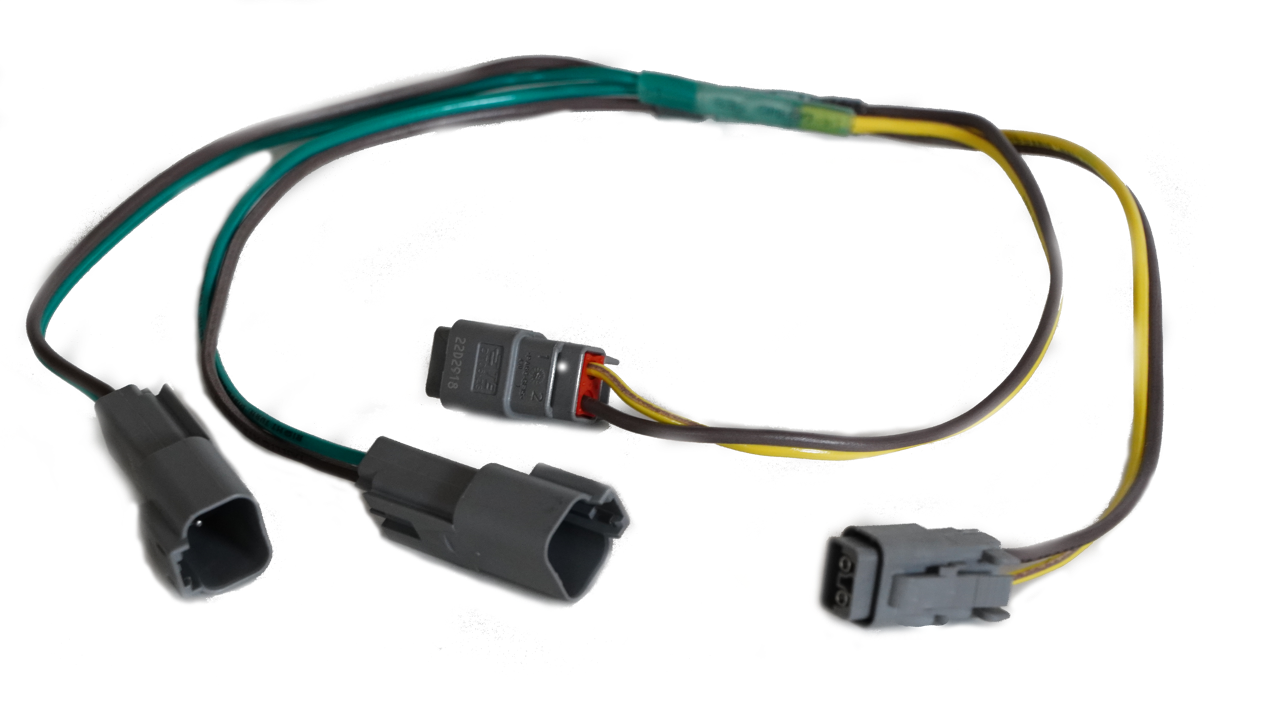
This one is useful when connecting multiple CAN hardware to a single vehicle connection point. It can also reverse the gender of your connections if necessary.